For iPhone · Free
Your trip, together.
Bookings with live countdowns, places and walking routes, and every ticket ready at the gate. One app you and your travel partner share, that keeps working when the signal doesn’t.
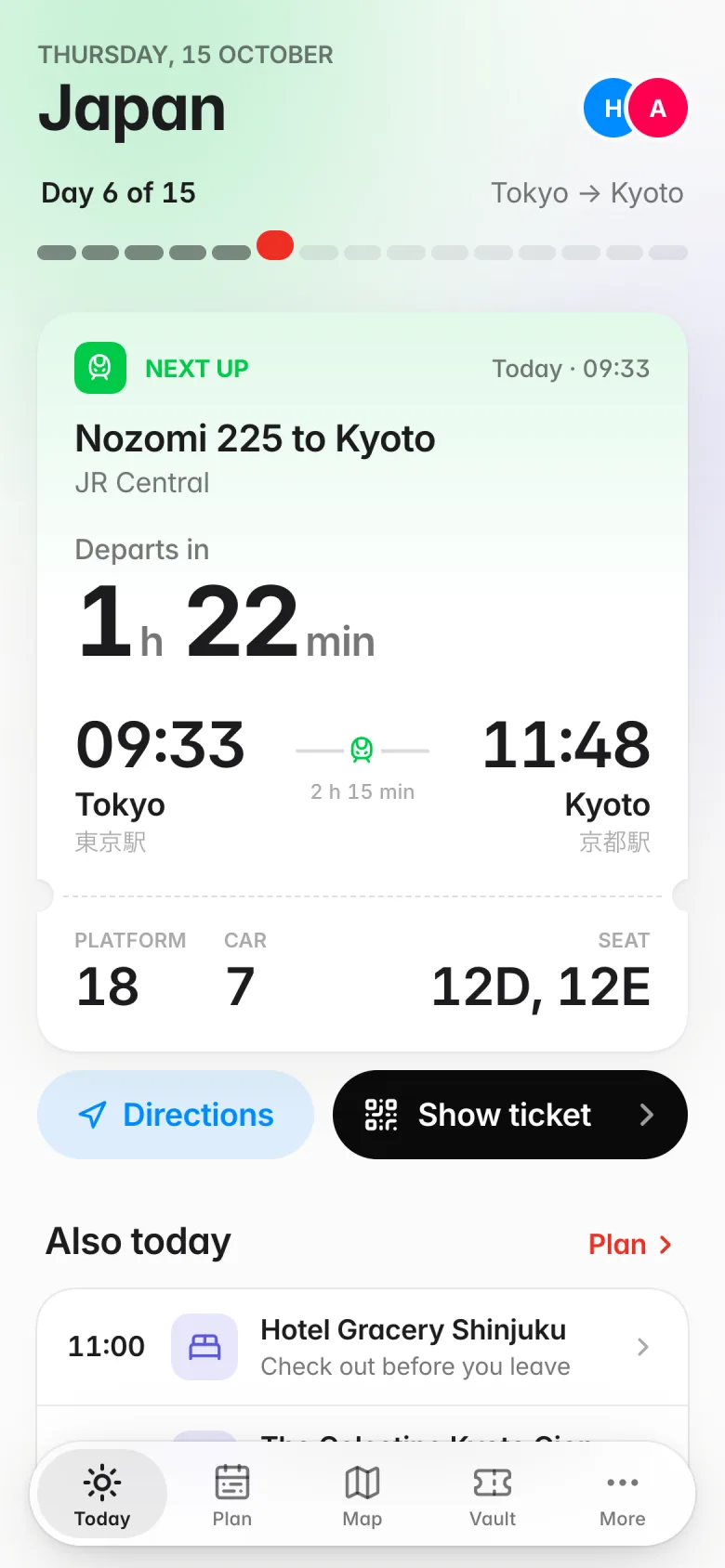
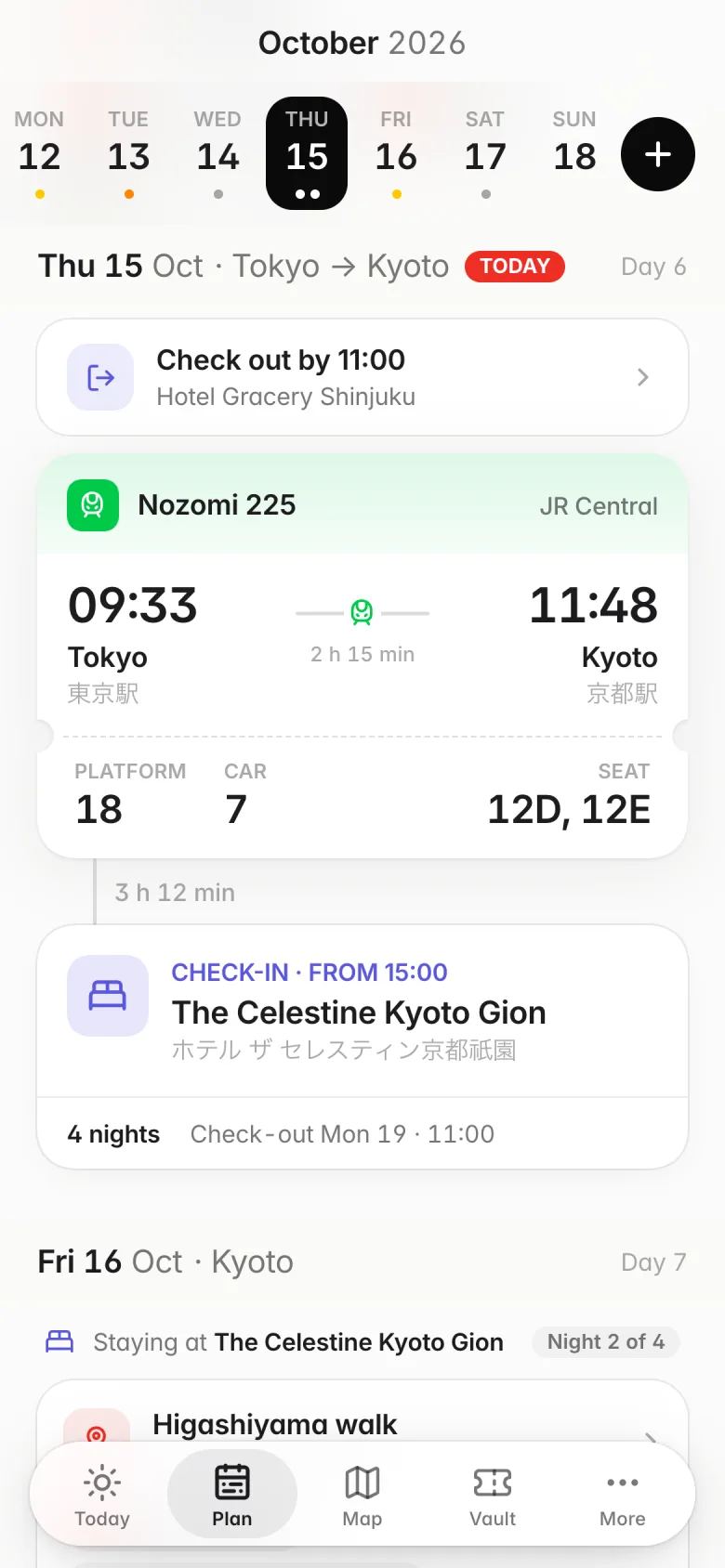
Plan
The whole trip, day by day.
Flights, trains, hotels and plans on one timeline. Check-ins and check-outs land on the right day, with the gaps in between so you can see how much time you really have.
- A live countdown to whatever is next, with platform, car and seats
- Hotels that span nights, check-out reminders included
- Built together: both of you can add and edit
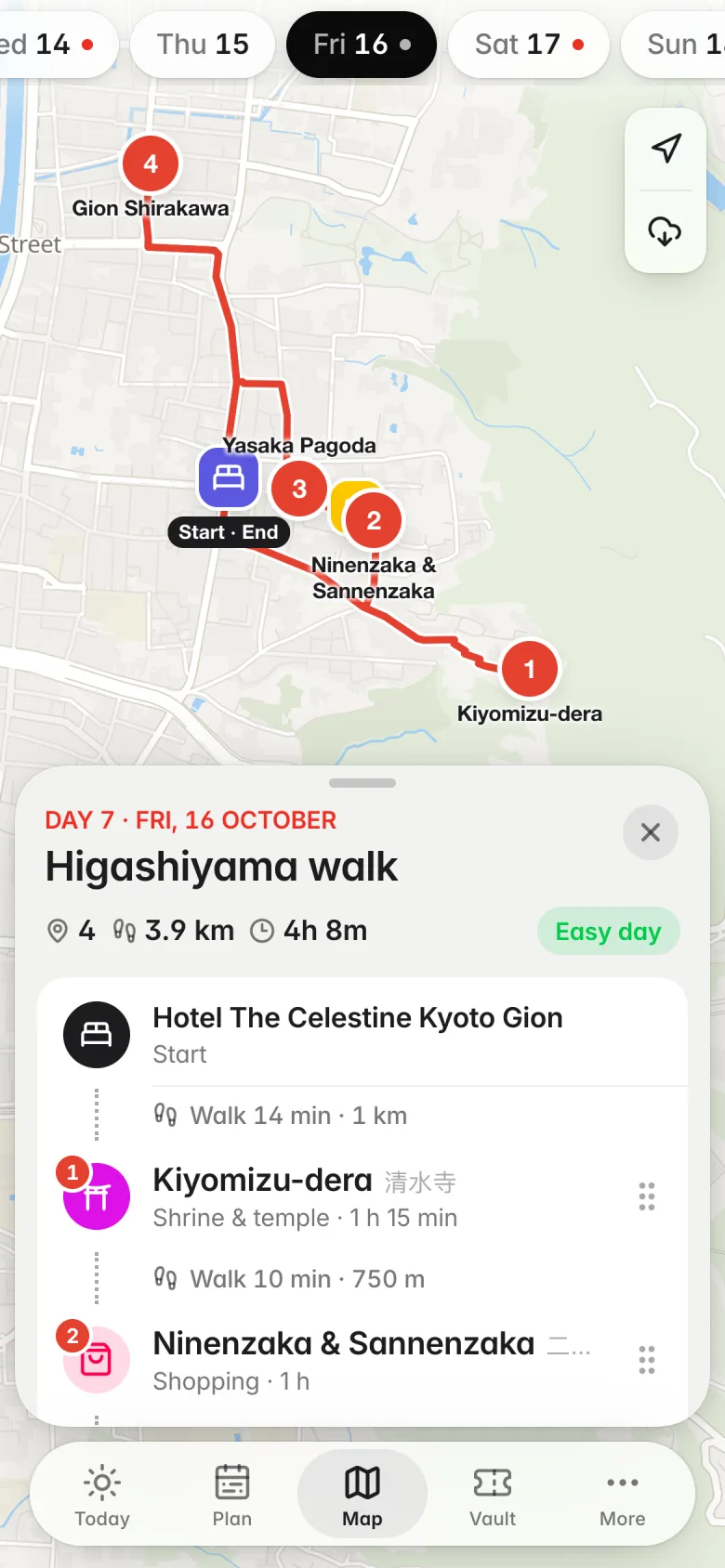
Map
Every day, walked out.
Save the places you want to see, put them on a day, and Tabi draws the walking route between them from your hotel and back, with how far and how long.
- Walking routes, distance and time for each day
- Search places or paste a Google Maps or Apple Maps link
- Save map areas for when you have no signal
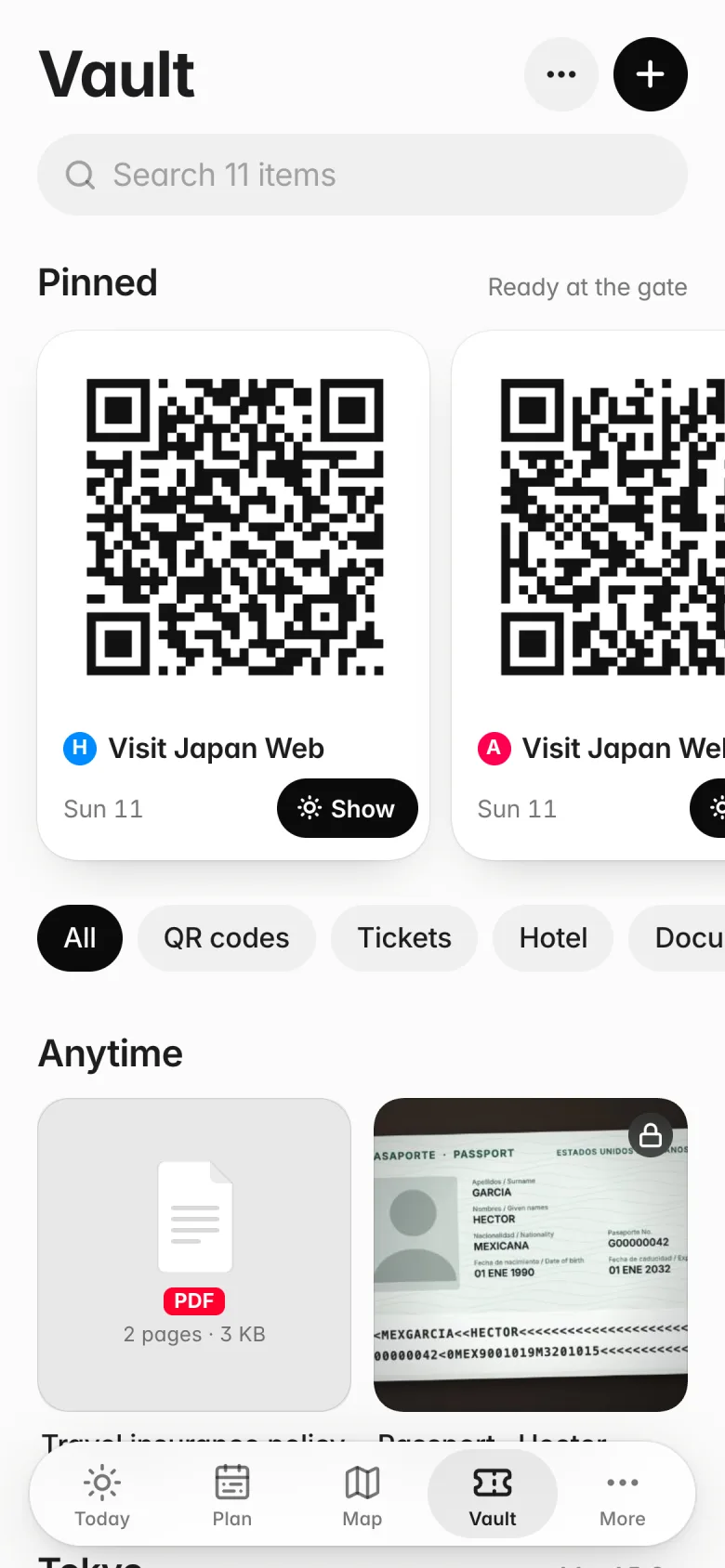
Vault
Ready at the gate.
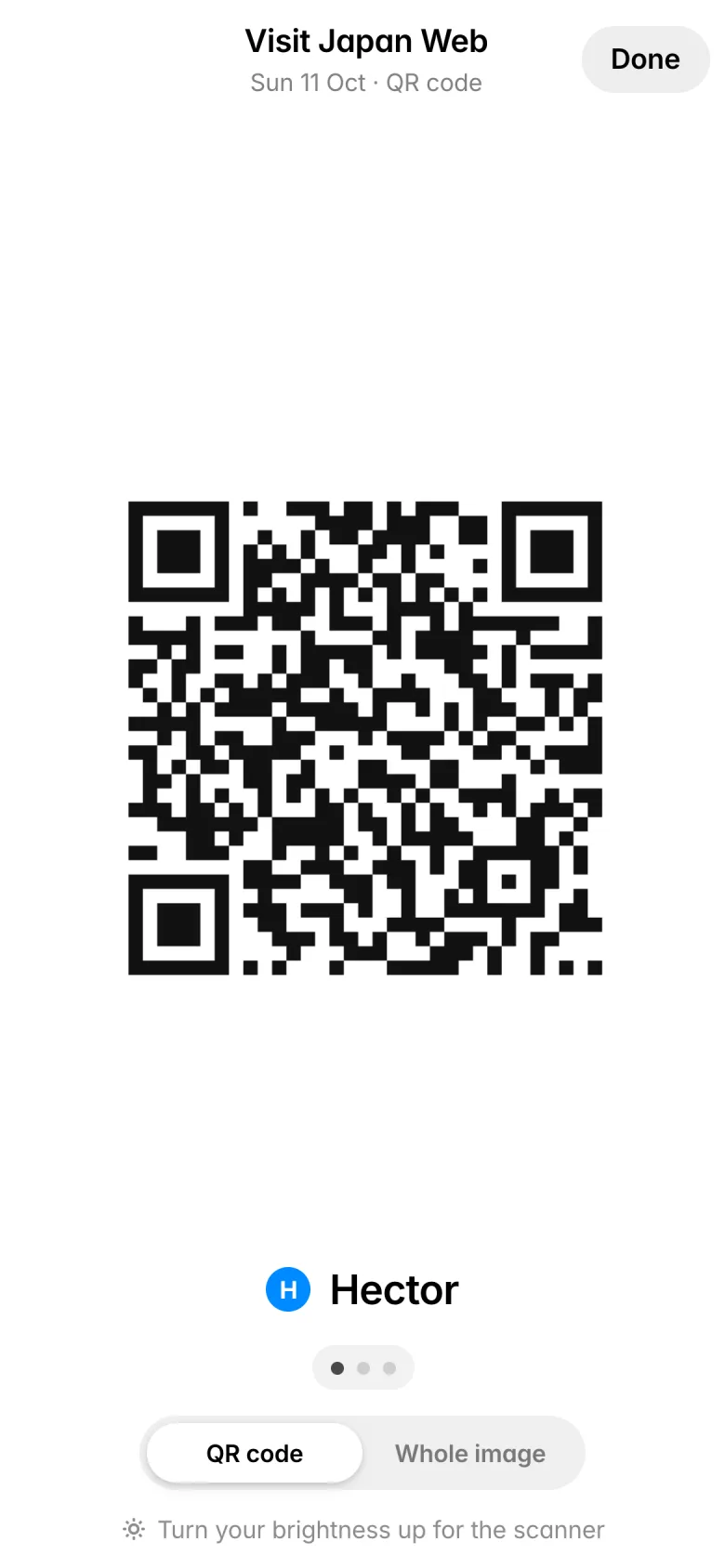
QR codes, tickets, boarding passes and PDFs, together in one place instead of lost in your camera roll. Tap Show and the code fills the screen, bright enough for any scanner.
- Import from Photos, Camera or Files
- Pinned passes for the day you need them
- Mark anything “Only on this phone” and it never leaves your device
Tools
The little things, handled.
Everything else a trip needs, built in and working offline. Split what you spend, tick off what to pack, and read the sign in front of you.
- Shared expenses, split between you
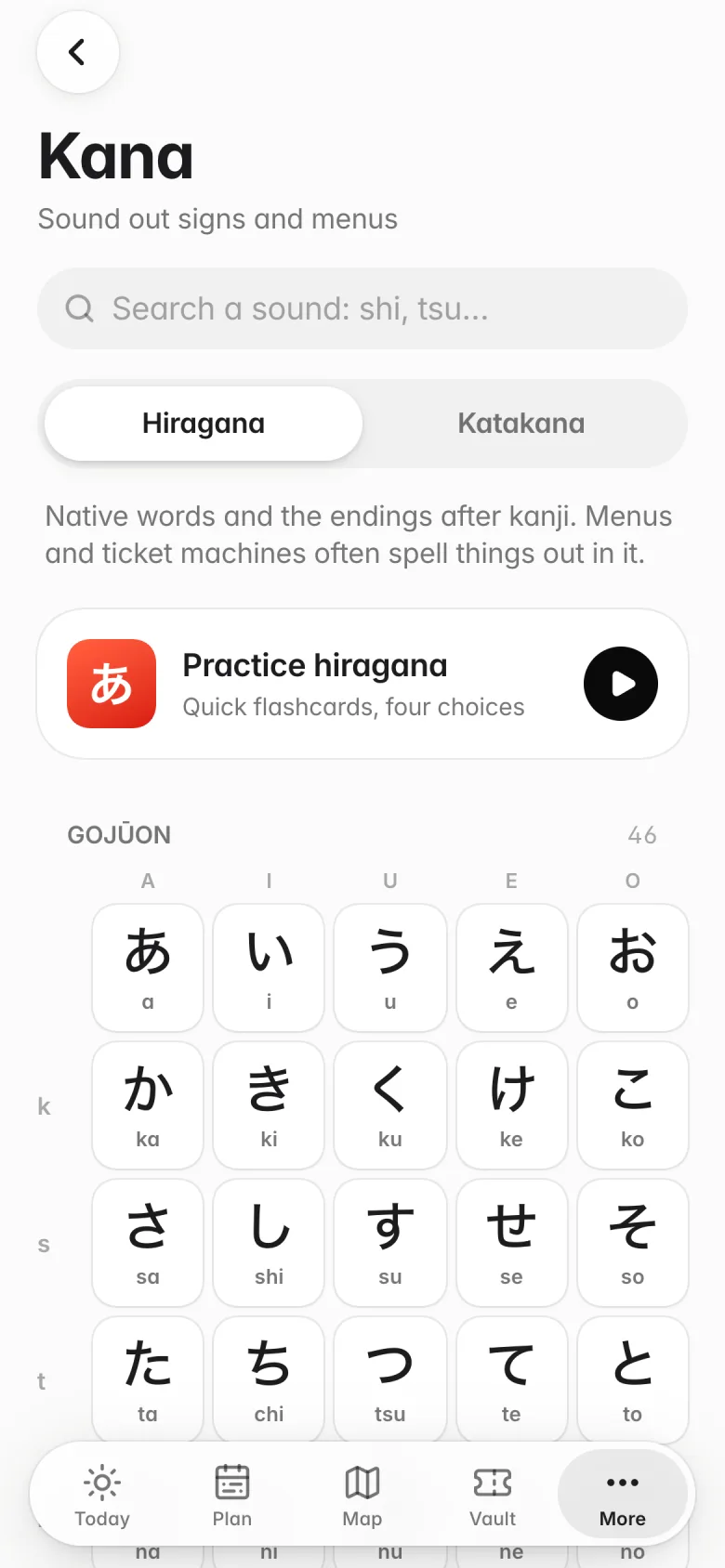
- Checklists, Japanese phrases and a kana guide
- Driver cards and a currency converter
Built for the trip, not for your data.
Made for two
One trip, shared between your phones. Changes show up on both within seconds.
Works offline
Everything lives on your phone first. Edits sync when you’re back online.
No account
No email, no password. Share a trip with a one-time six-letter code.
No ads, no tracking
Free, with no ads, no analytics and nothing sold. Ever.
Questions
Is Tabi free?
Does it work offline?
How does sharing a trip work?
Where does my data live?
How do I delete my data?
Something else? See Support or email [email protected].